


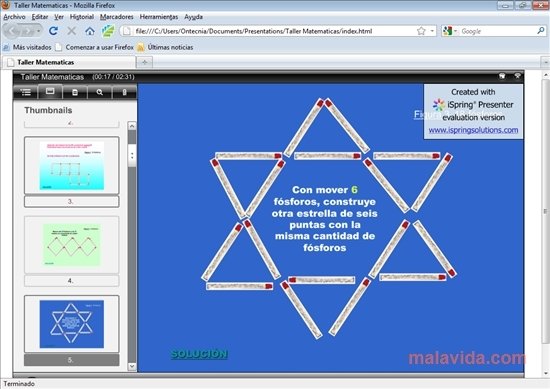
Create interactive Flash contents very easily
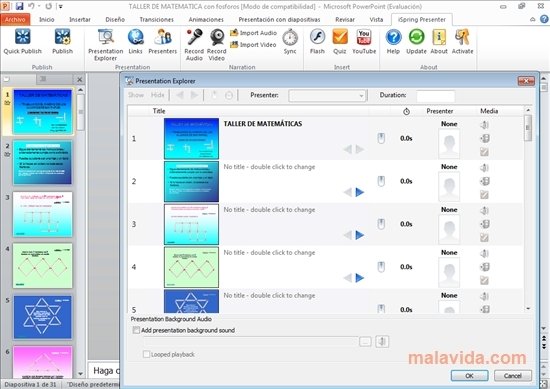
iSpring Presenter is a complement for the PowerPoint presentation creation application, that will easily allow you to transform the files created with PowerPoint into Flash format. This format offers more interactive tools, something that can come in very handy if you're trying to create interactive eLearning material.
Try out iSpring Presenter and create quality learning material
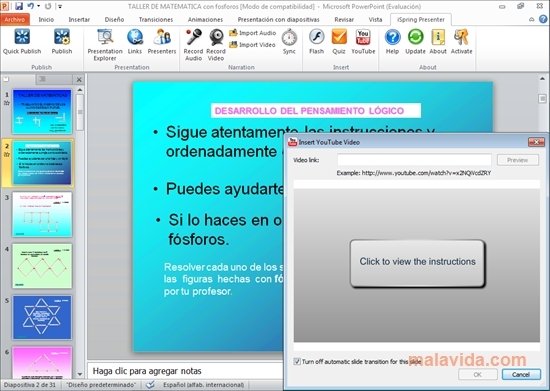
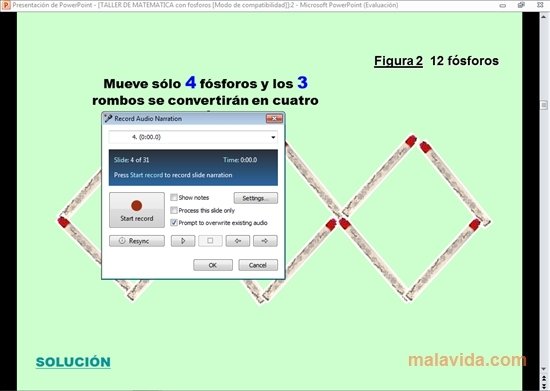
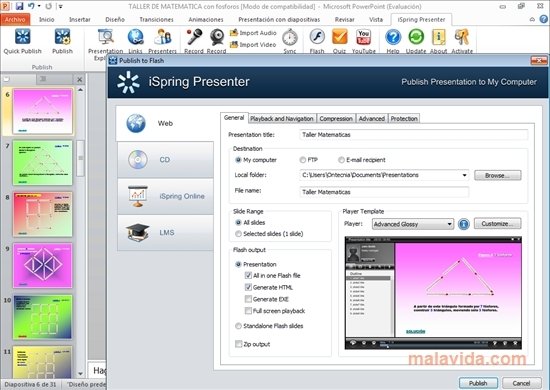
When you install iSpring Presenter a new tab is added to the PowerPoint application. The use of this complement goes as follows: if you already have a presentation that you want to use as teaching material created, you can adapt and improve it by transforming it into Flash format. You will be able to record a video while you browse through the slides and even create the presentation while you describe it and record your voice. Once you have the contents ready, you only have to publish it. iSpring Presenter offers a series of configuration variables to make sure that the Flash file meets your needs.
Once iSpring Presenter has created the Flash file, you'll have a presentation that is much more attractive and interactive. Furthermore, you will be able to insert the presentations within a very appealing player that you will be able to customize.
Requirements and additional information:
- The trial version can be used for 30 days. It adds a watermark to the created files.
- To create Flash contents it is necessary to have an activation key.
- This application requires Microsoft PowerPoint XP, 2003, 2007 or 2010.
 Vanessa Martín
¡Hi! I am Vanessa Martin, I like to travel, music, photography, and I am passionate about the Internet, as it is a great source of information where you can find everything you need. If it exists, it is on the Internet. Another of my great...

Antony Peel